Sign In Start Free Trial
Account

Add to playlist

Create a Playlist

Modal Close icon
You need to login to use this feature.
  • Book Overview & Buying Blender Game Engine: Beginner's Guide
  • Table Of Contents Toc
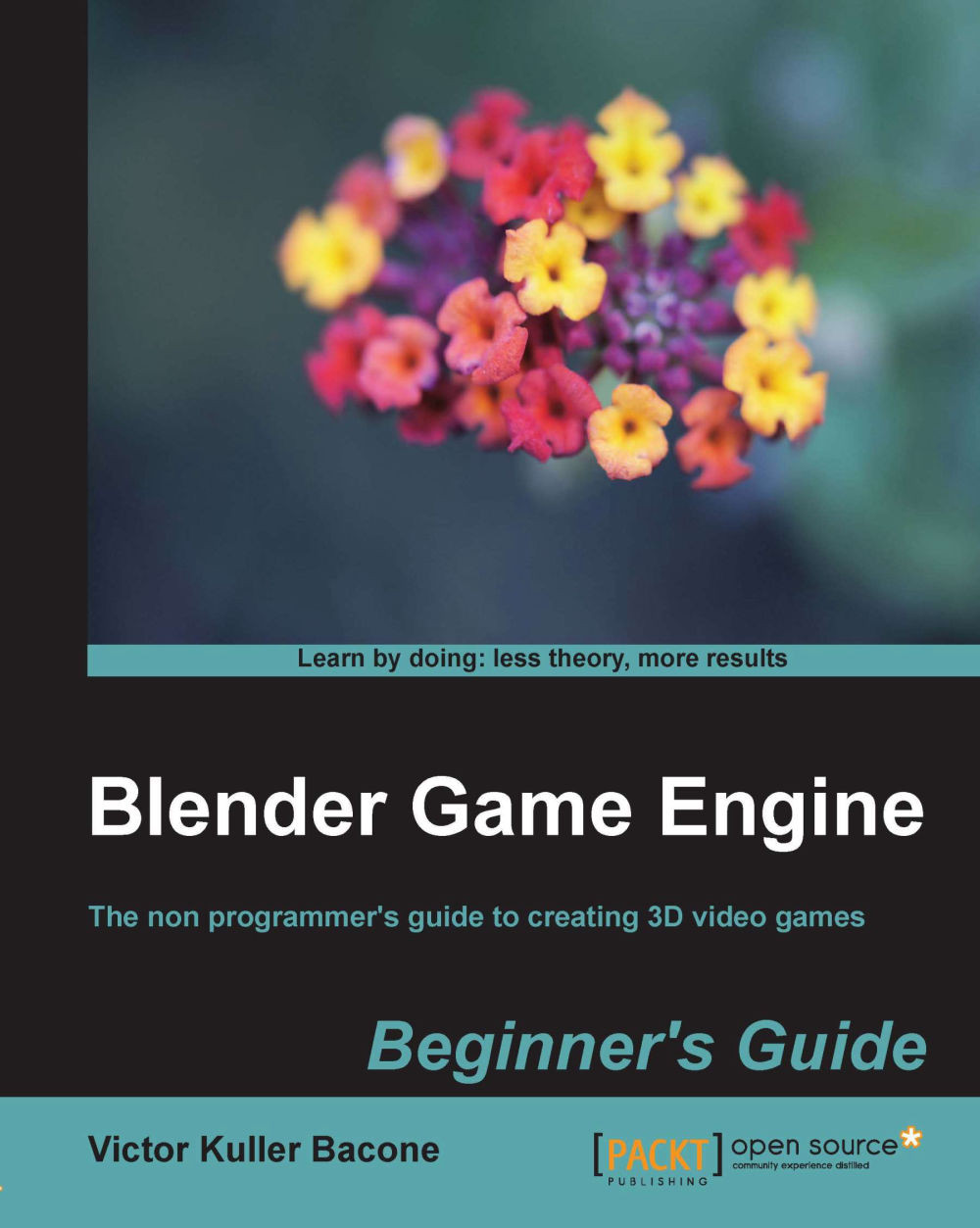
Blender Game Engine: Beginner's Guide

Blender Game Engine: Beginner's Guide

2.9 (7)
close
close
Blender Game Engine: Beginner's Guide

Blender Game Engine: Beginner's Guide

2.9 (7)

Overview of this book

Blender Game Engine is the part of the Blender 3D editor used to create actual 3D video games. It's the ideal entry level game development environment because you don't even need to learn to program. Create a complete game using Bender's innovative logic bricks."Blender Game Engine: Beginner's Guide" is the ideal introduction to game development. Using only logic bricks, the reader will create a complete game in Blender. By the end of the book the reader will be able to use their skills to create their own 3D games.
Table of Contents (11 chapters)
close
close
10
Index

Chapter 1. Things You Need to Know

The Blender Game Engine (BGE) is one of the most interesting parts of Blender. This book will help you to get started and make games by modeling low poly objects and animated interactive characters, and use them in the Game Engine with basic controls and more. To learn the BGE, you'll need to learn a Node Editor which provides you with an easy-to-use visual interface (logic blocks) to design games without requiring any knowledge of programming.

The Node Editor has a visual way to set up Composite and show the results. Logic blocks can be connected, which together allows you to create visually complex results. There are three different types of logic blocks in the BGE: sensors, controllers, and actuators. Each of these has a different number of sub-types. Using this system, you can make a character respond to your keyboard input events or set up some basic Artificial Intelligence (AI) behavior for your enemy characters, objects, or environments of the game.

To make games with Blender, we can begin in the section called Logic Editor (sections in Blender are called editor types). Game Logic is what causes anything to happen in the game. The blocks (or "bricks") that you can see represent pre-programmed functions that can be tweaked and combined to move the player, interact with the world, change the level, and more. In short, it helps you create the game.

At the beginning, we do not need cool models, only a cube (by default, Blender shows it) to represent our player in order to move in our 3D environment. We will learn how to move it and how it collides with a wall (plane). If we do that, we can then proceed to substitute our poor model (a cube) and wall for a cool character and good environments. Are you ready?

This book assumes that you haven't had any, or very little, experience in using Blender, so we will go through these chapters step-by-step.

In this chapter we shall:

  • Find out about the Interface of the Logic Editor
  • Learn how to use the Logic Bricks Editor
  • Start the Game Engine
CONTINUE READING
83
Tech Concepts
36
Programming languages
73
Tech Tools
Icon Unlimited access to the largest independent learning library in tech of over 8,000 expert-authored tech books and videos.
Icon Innovative learning tools, including AI book assistants, code context explainers, and text-to-speech.
Icon 50+ new titles added per month and exclusive early access to books as they are being written.
Blender Game Engine: Beginner's Guide
notes
bookmark Notes and Bookmarks search Search in title playlist Add to playlist font-size Font size

Change the font size

margin-width Margin width

Change margin width

day-mode Day/Sepia/Night Modes

Change background colour

Close icon Search
Country selected

Close icon Your notes and bookmarks

Confirmation

Modal Close icon
claim successful

Buy this book with your credits?

Modal Close icon
Are you sure you want to buy this book with one of your credits?
Close
YES, BUY

Submit Your Feedback

Modal Close icon
Modal Close icon
Modal Close icon